{"full_name":"indiff/qttabbar","owner":"indiff","name":"qttabbar","shard":"1","url":"https://github.com/indiff/qttabbar","description":"QTTabBar is a small tool that allows you to use tab multi label function in Windows Explorer. https://www.yuque.com/indiff/qttabbar","homepage":"https://indiff.github.io/qttabbar/","topics":["explorer","qttabbar","windows","csharp","cpp","wpf","tab"],"tag_pages":["cpp","csharp","windows","wpf"],"language":"C#","license":"GPL-3.0","avatar":"https://avatars.githubusercontent.com/u/501276?u=d6f7ac517a94145022c0ef8c3f6ef26bc157a8f5&v=4","created_at":"2019-03-22T11:21:33Z","pushed_at":"2026-11-13T06:16:30Z","metrics":{"stars":4986,"forks":328,"watchers":50,"issues":424,"prs":32,"releases":25,"issues_open":154,"issues_closed":270,"prs_open":0,"prs_closed":4,"prs_merged":28,"discussions":17},"growth":{"day":{"stars":0,"forks":0,"base_day":"2026-11-15"}},"history":{"dates":["2026-11-13","2026-11-14","2026-11-15","2026-11-16"],"stars":[4984,4986,4986,4986],"forks":[328,327,328,328],"watchers":[null,50,50,50],"issues_open":[null,154,154,154],"prs_open":[null,0,0,0]},"boards":{},"same_owner":[],"issues":[{"number":432,"title":"QTTabBar no longer works on Windows 11 25H2 after March 2026 Security update (build 26200.8037)","comments":27,"created_at":"2026-03-16T07:36:47Z"},{"number":427,"title":"v1.5.6 Stopped showing win11 25h2 26220.7271","comments":22,"created_at":"2025-11-25T21:54:19Z"},{"number":419,"title":"win10 qttabar下面有一块白板无法去掉","comments":11,"created_at":"2025-08-19T15:49:51Z"},{"number":319,"title":"一打开2个或以上标签资源管理器就崩溃","comments":10,"created_at":"2023-03-12T05:29:07Z"},{"number":431,"title":"QTTabBar no longer works on Windows 11 25H2 (build 26200.7462)","comments":9,"created_at":"2026-01-01T11:26:30Z"},{"number":324,"title":"Win11最新版资源管理器已添加标签功能:安装qttabbar后,资源管理器老是奔溃","comments":8,"created_at":"2023-04-11T09:00:16Z"},{"number":386,"title":"Is Indiff QtTabBar being maintained? ","comments":7,"created_at":"2024-06-29T19:52:12Z"},{"number":351,"title":"Win11 资源管理器无法恢复成原始状态,始终有条白线","comments":7,"created_at":"2023-12-19T03:10:54Z"}],"discussions":[{"number":476,"title":"目前哪个版本最稳定可用不卡顿?","comments":0,"category":"Q&A","created_at":"2026-11-05T13:12:00Z"},{"number":452,"title":"How do I change the color of inactive tab background?","comments":0,"category":"Q&A","created_at":"2026-08-12T01:33:21Z"},{"number":451,"title":"Last version to support Windows 10?","comments":1,"category":"Q&A","created_at":"2026-08-11T22:13:35Z"},{"number":426,"title":"[SOLUTION?] QTTabBar Beta 1.5.6 is not loading in Windows 11 24H2 Explorer","comments":0,"category":"General","created_at":"2025-11-22T13:50:09Z"},{"number":398,"title":"Guys can i use this software as a non Chinese character?","comments":0,"category":"Q&A","created_at":"2024-11-06T00:19:22Z"},{"number":394,"title":"文档请求","comments":0,"category":"Q&A","created_at":"2024-09-27T16:10:40Z"},{"number":388,"title":"win11能用了吗","comments":0,"category":"General","created_at":"2024-07-25T02:56:13Z"},{"number":365,"title":"執行bat檔但無法帶入參數","comments":0,"category":"Q&A","created_at":"2024-03-30T08:08:37Z"}],"latest_release":{"name":"v1.6.4","tag":"v1.6.4","published_at":"2026-10-19T04:28:08Z","body":"+ 修正国际化\r\n+ 移动标签\r\n \r\n\r\n\r\n\r\n+ 对标签使用颜色\r\n
 \r\n\r\n\r\n\r\n+ 调整时钟插件滚动放大\r\n\r\n\r\n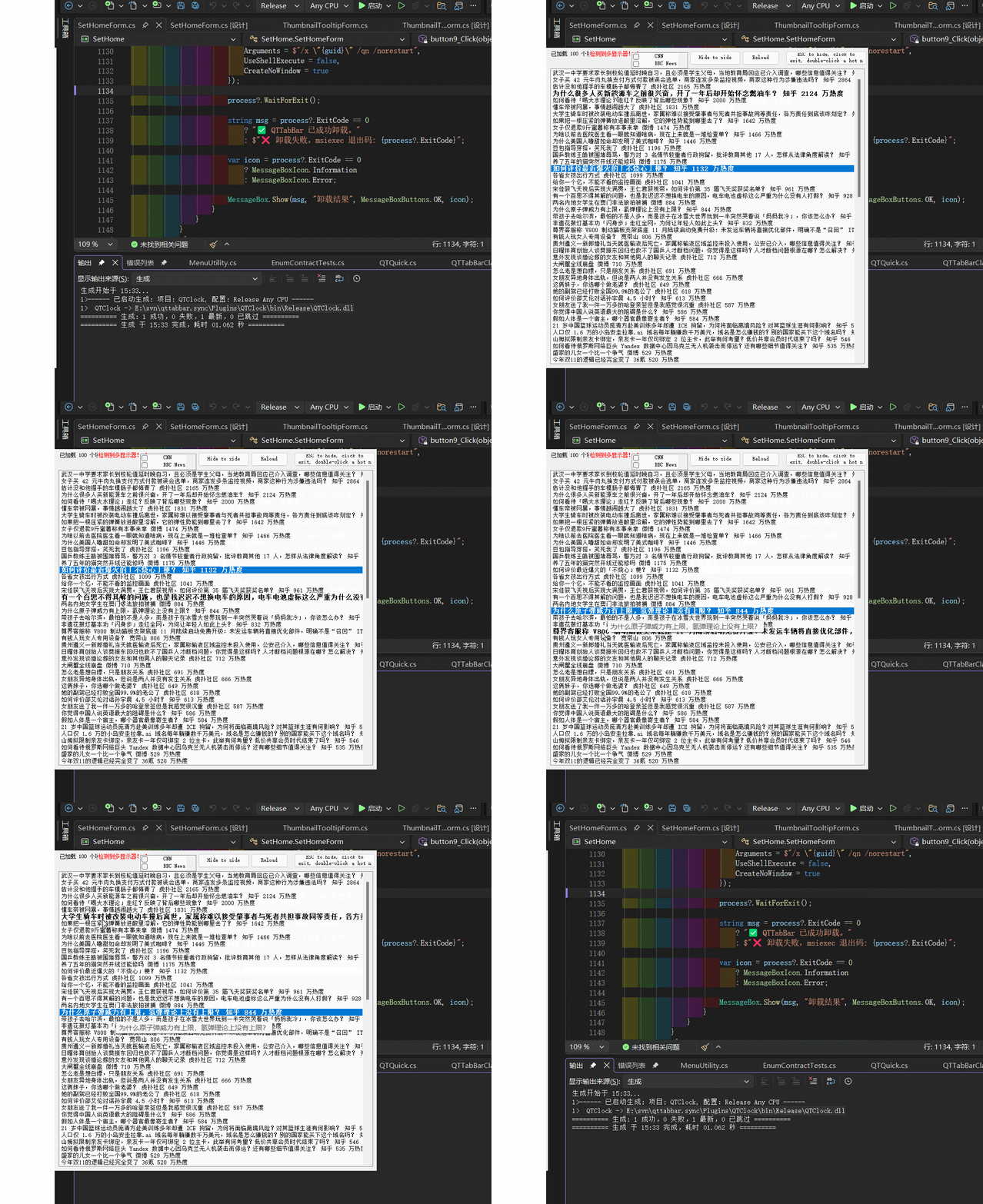\r\n\r\n+ 修复选项中按钮和字体不一致效果,调整选项卡片切换色\r\n\r\n
 \r\n\r\n+ 修复合并代码导致文字无法显示问题\r\n\r\n
 \r\n\r\n+ 增加新功能,支持压缩包子目录提示\r\n\r\n
 \r\n\r\n\r\n+ 默认配置项开启, 默认悬停即可预览\r\n+ 优化性能\r\n+ 同步主题,支持和选项暗黑主题\r\n
 \r\n\r\n\r\n+ 支持删除标签组\r\n\r\n\r\n
 \r\n\r\n[](https://sourceforge.net/projects/qttabbar2/files/v1.6.4/QTTabBar.Setup.1.6.4.exe/download)","is_prerelease":false},"readme":true,"readme_zh":true,"news":[],"stale":false,"snapshot_at":"2026-11-16T09:23:14Z","history_start":"2026-09-06"}